Improve push authorization rate
for Jinri Toutiao (Today’s Headlines)
Design with agility. Iterate with data analysis.
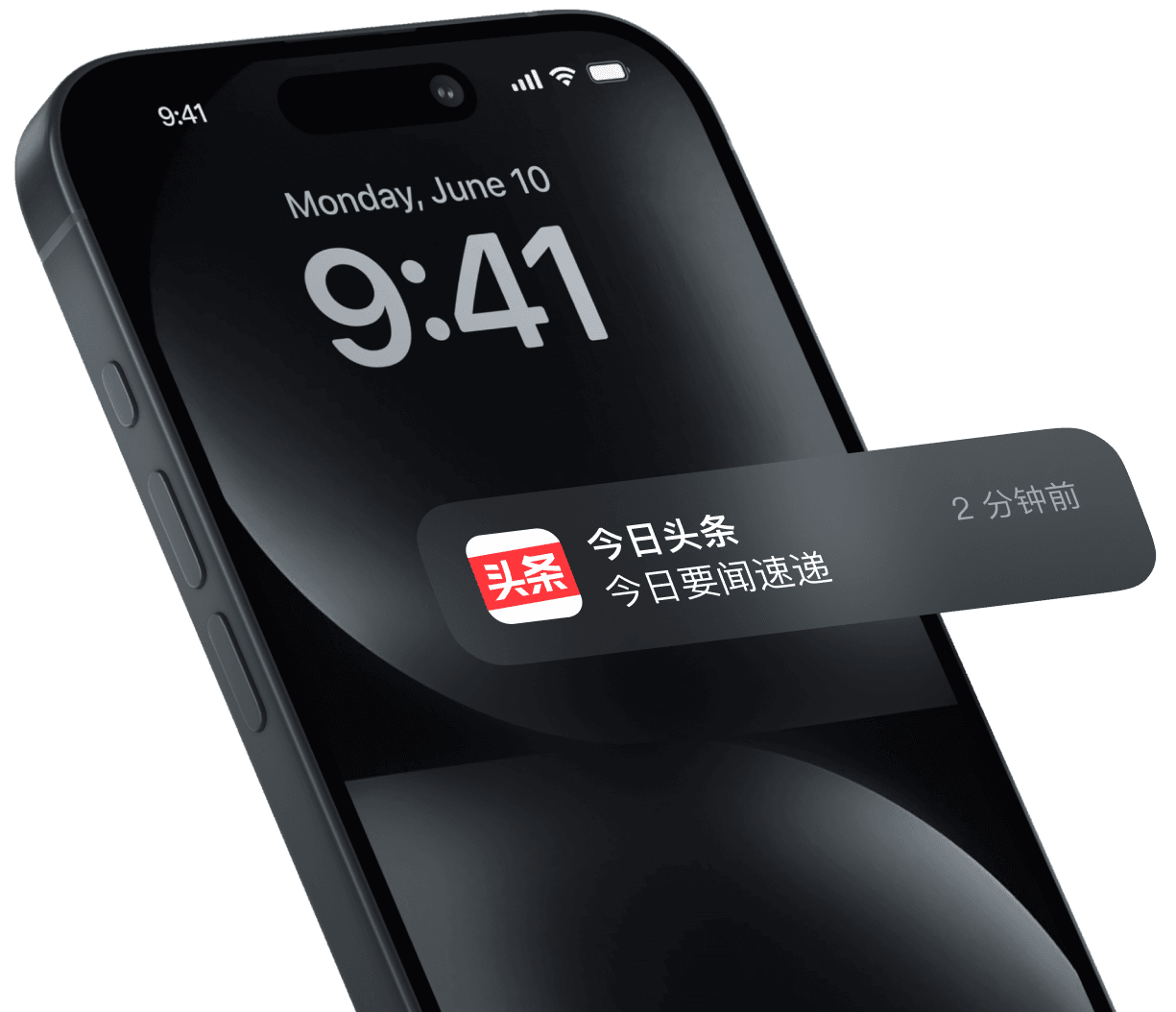
Highlight Key Actions
Design iteration through data analysis
Push notifications ensure users receive important news on time and are directly linked to DAU. Yet the authorization rate defines the ceiling of their effectiveness. By framing strategies and running plenty of user-focused A/B tests within a year, I kept iterating the design and achieved a 4% increase in authorization rate across both iOS and Android platforms.
In the largest-scale daily cold launch scenario, I applied recursive frequency formulas and agile parameter tuning to balance conflicts between user tolerance and business needs, making cold launch scenario contributor the most to authorization rate.
Cover authorization scenarios
15
20
25
30
0
5
5
10
10
15
As users repeatedly dismiss the prompt, the interval increases, reducing disruption for users with low intent.
Shorter intervals in the early stage, with relatively frequent prompts, help cover users with higher opt-in intent.
Prompt interval (days)
User‘s dismissal count
Quadratic-style growing frequency controll
Cold launching scenario
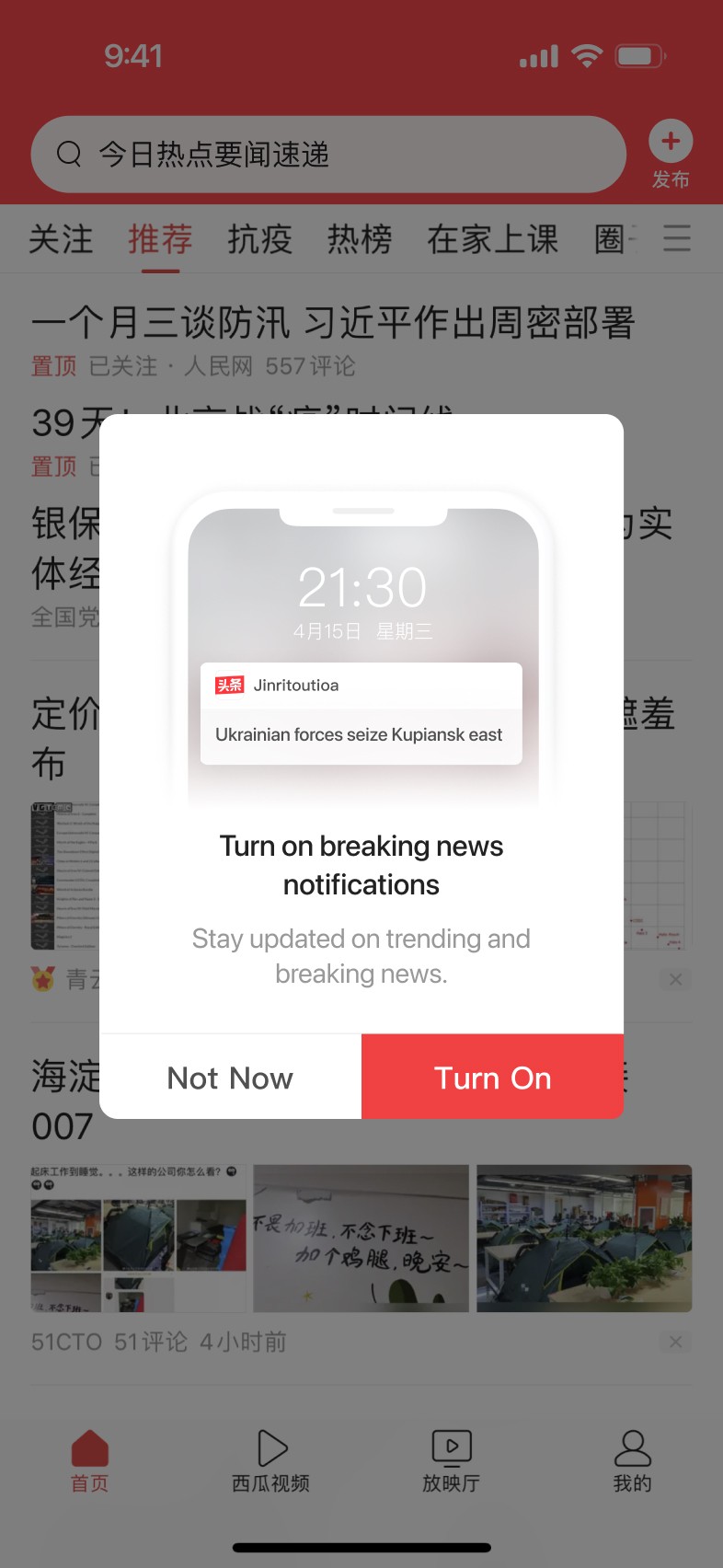

Used data analysis to dive into user scenarios, ran multiple rounds of prompt style tests across new and existing user flows, identified the best solution and updated the design guidelines.
Cover authorization scenarios
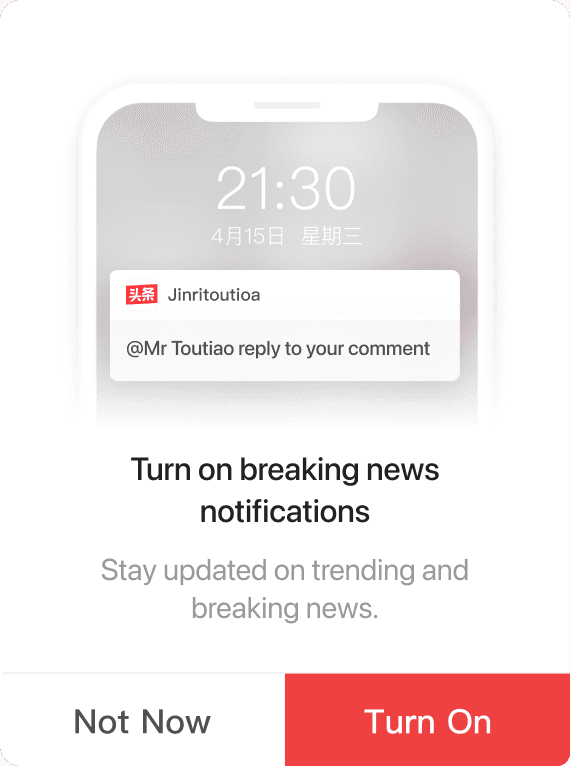
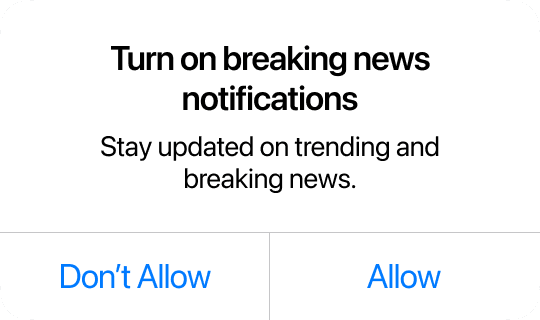
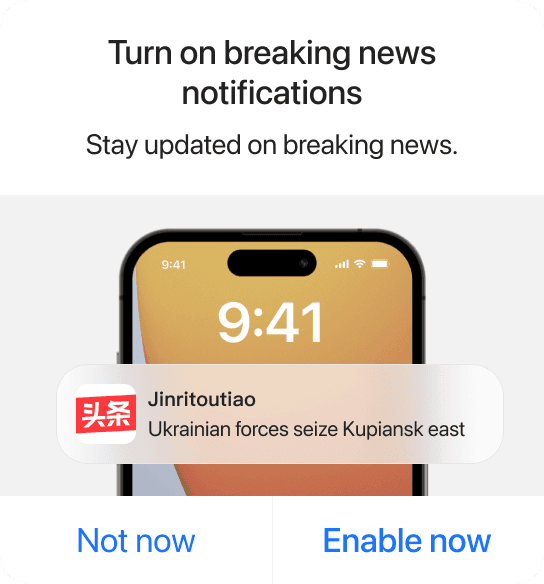
App native style prompt
Stronger motivation to enable led to higher CTR on the prompt, but a lower open rate after navigation.
Lower prompt CTR, but better aligned with system settings expectations. Post-navigation open rate increased significantly, leading to a higher overall authorization rate.
Aligned with OTM design guidelines, reinforcing the motivation to enable while matching navigation expectations. Overall authorization rate improved significantly.
System like style prompt
System like style prompt with image
V 1.0
V 2.0
V 3.0
Cover authorization scenarios
1.1 Start from interactive scenarios
1.2 Explore the app launching scenario
1.3 Adjust parameters for frequency control
1.4 Use modules to support edge scenarios
Stage 1
A cautious trial.
Start prompting in interactive scenarios.
To observe how prompts might negatively impact metrics in a controlled way, we began by minimizing user disturbance in the early stage. We assumed that users who triggered interactive behaviors were likely expecting feedback, so we delivered tailored prompts in those scenarios. After the experiment went live, authorization rates increased significantly, and key metrics improved overall.
1.1
After posting
After comment
After follow an account
After reading few news
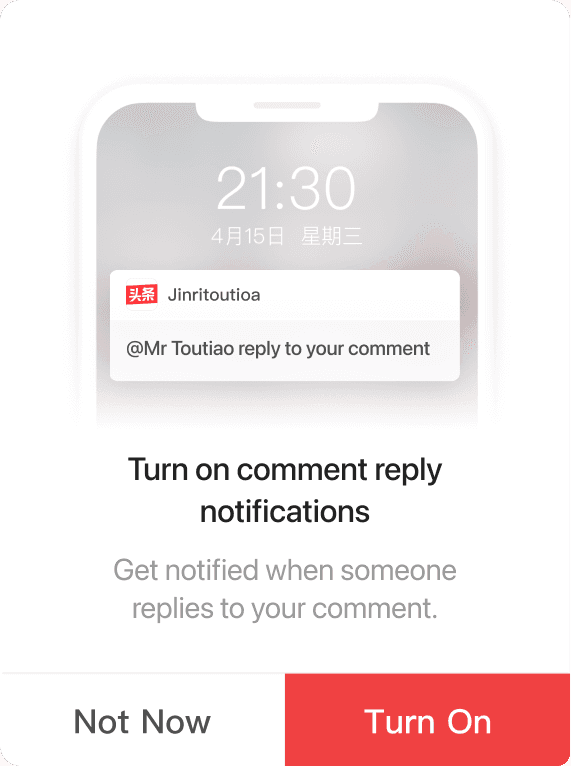
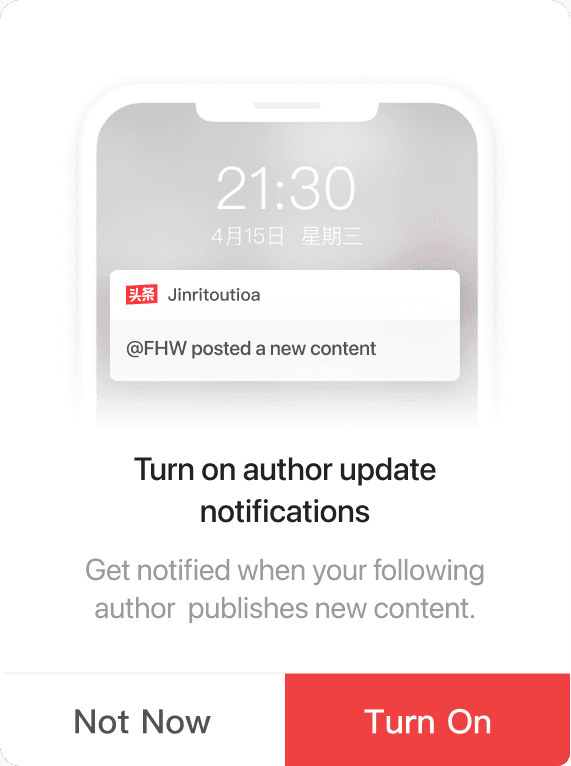
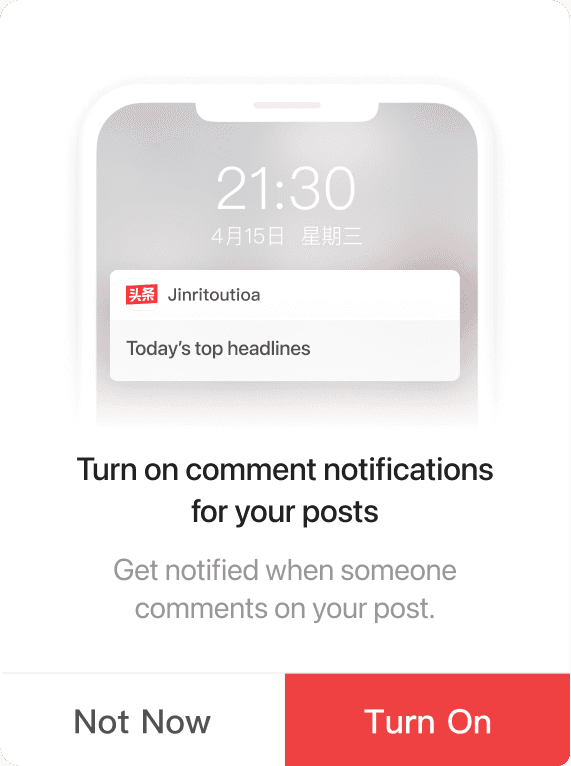
Cold launching scenario: The prompt appears when users open the app without any interaction. While it feels highly intrusive from the user perspective, it covers a large volume of traffic from the business perspective.
1.2
Enlarge the gains.
Is it feasible to prompt users to enable push notifications in cold launching scenario?
Balancing the conflict between user and business perspectives
From User Perspective
Reduce the disruption caused by prompts
From Business Perspective
Stabilize DAU and stop the decline
Prioritize the business perspective: help stop the DAU decline.
User perspective constraint: ensure other key metrics are not negatively affected, with strict frequency control
Related to key metrics, addressesing the urgent DAU drop
Use a recursive formula.
Achieve a marginally increasing prompt frequency.
Maximum Cup
Interval (in days) between prompts
Number of dismissals
Dynamic increment,
controls acceleration of growth
Initial increment,
controls early growth rate
After the first dismissal,
prompt again the next day
Lower bound on prompt frequency,
ensuring a capped level
Prompt interval (days)
15
20
25
30
0
5
5
10
10
15
User‘s dismissal count
Quadratic growth (a = 2, b = 2)
Linear growth T(n) = 2n
As users repeatedly dismiss the prompt, the interval increases,
reducing disruption for users with low intent.
Linear growth increases slowly.
Only after many dismissals does the prompt interval expand,
resulting in higher overall disruption.
Shorter intervals in the early stage, with relatively frequent prompts, help cover users with higher opt-in intent.
Quadratic-style growth,
aligned with frequency control design principle.
1.3
Adjust parameters for frequency control.
Balancing user experience degradation and business gain.
Start with conservative frequency control.
Set parameters based on user scenario due to the lack of user data.
Parameter/Scenario
Cold Start
Consuming
Following
Posting
Initial increment - a
5
4
2
2
Dynamic increment - b
Interval sequence T(n)
5
1, 6, 16, 30
4
1, 5, 13, 25, 30
3
1, 3, 8, 16, 27, 30
2
1, 3, 7, 13, 21, 30
Parameter/Scenario
Cold Start
Consuming
Following
Posting
Initial increment - a
2
4
2
2
Dynamic increment - b
Interval sequence T(n)
1
1, 3, 6, 10, 15, 21, 28, 30
4
1, 3, 7, 13, 21, 30
3
1, 3, 7, 13, 21, 30
2
1, 3, 5, 7, 9, 11,
13, 15, 17... 30
Interaction depth:
Frequency strategy
Shallow
Deep
Strict
Relaxed
After launching, try aggressive strategy based on data feedback.
The prompting strategy positively impacted core metrics.An aggressive strategy performed best, with cold start becoming the largest contributor to opt-in growth.
1.4
Modularize the authorization flow
to support edge scenarios
To cover edge scenarios where independent experimentation takes too long, we modularized the entire authorization prompt flow. This included the flow logic, custom prompt copy, and event tracking—all bundled into an SDK. It was later integrated into scenarios like following hot topics, reading fiction, and selecting favorite stocks.
N
N
N
Y
Y
N
Y
Y
N
N
N
Y
Y
Y
Y
N
User triggers an authorization scenario
Client displays the authorization prompt
Enable directly
Update frequency control parameters
End
Navigate to system settings
Display an enablement instruction prompt
Client displays the authorization prompt
Check whether the system push notification toggle is enabled
Check whether the in-app push notification toggle is enabled
Server checks whether frequency control limits are met
Server checks whether frequency control limits are met
Check whether system push are enabled after returning to the app
Does the user agree to proceed and enable
Does the user agree to authorize
Does the user agree to authorize
Expand the full authorization flow diagram
Optimize conversion funnel
Stage 2
2.1 Improve post-navigation open rate
2.2 Increase iOS user authorization rate
2.3 Retain users who have disabled authorization
Tap “Enable” on the prompt
Navigate to system settings
After user returning to APP
If push is still off, display a follow-up explanation prompt
Improve post-navigation open rate
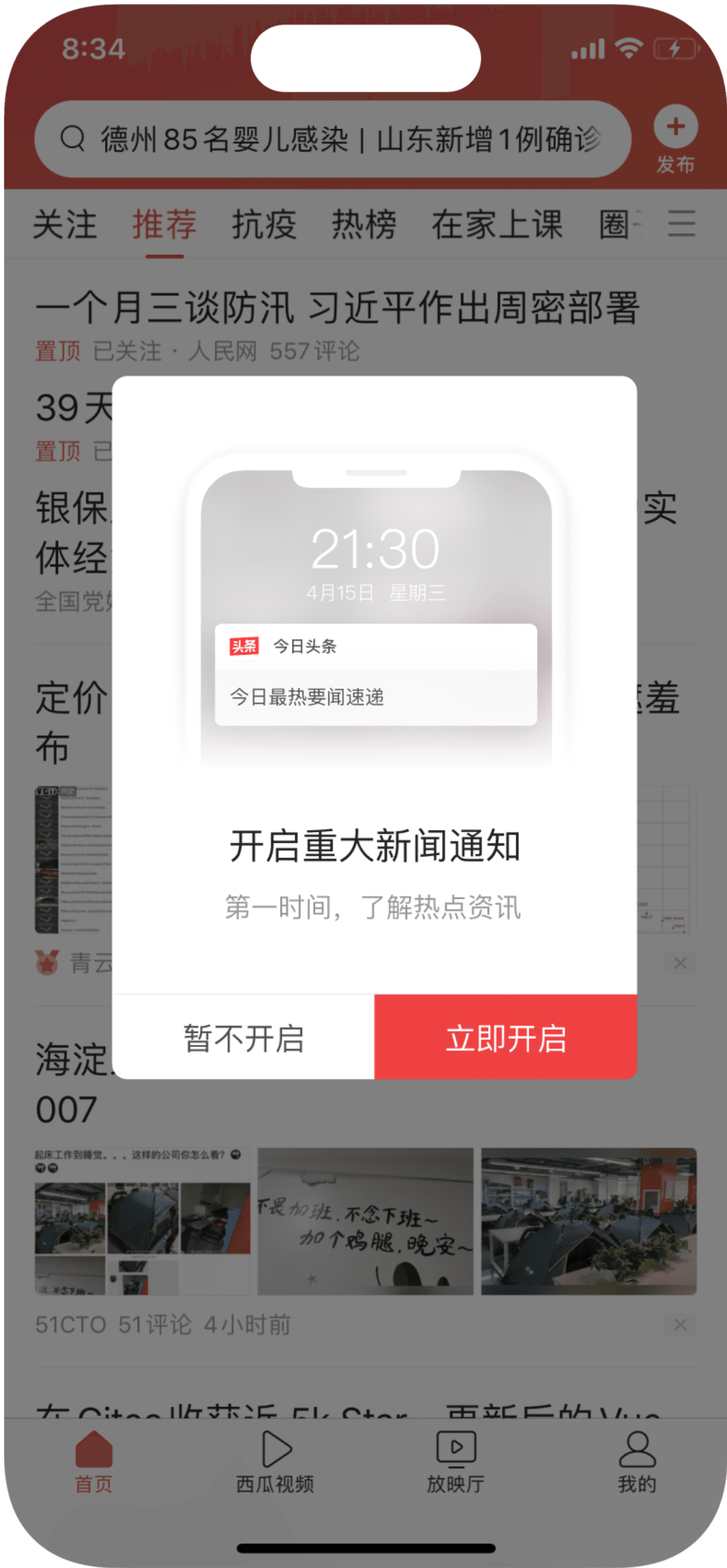

Most users need to navigate to system settings after tapping the prompt, but the post-navigation open rate remains below 30%, which severely impacts overall authorization. The original prompt mainly focused on highlighting the benefits, but lacked clear guidance on the follow-up steps. To address this, we added an explanatory prompt, which significantly improved the open rate and led to better authorization results.
2.1

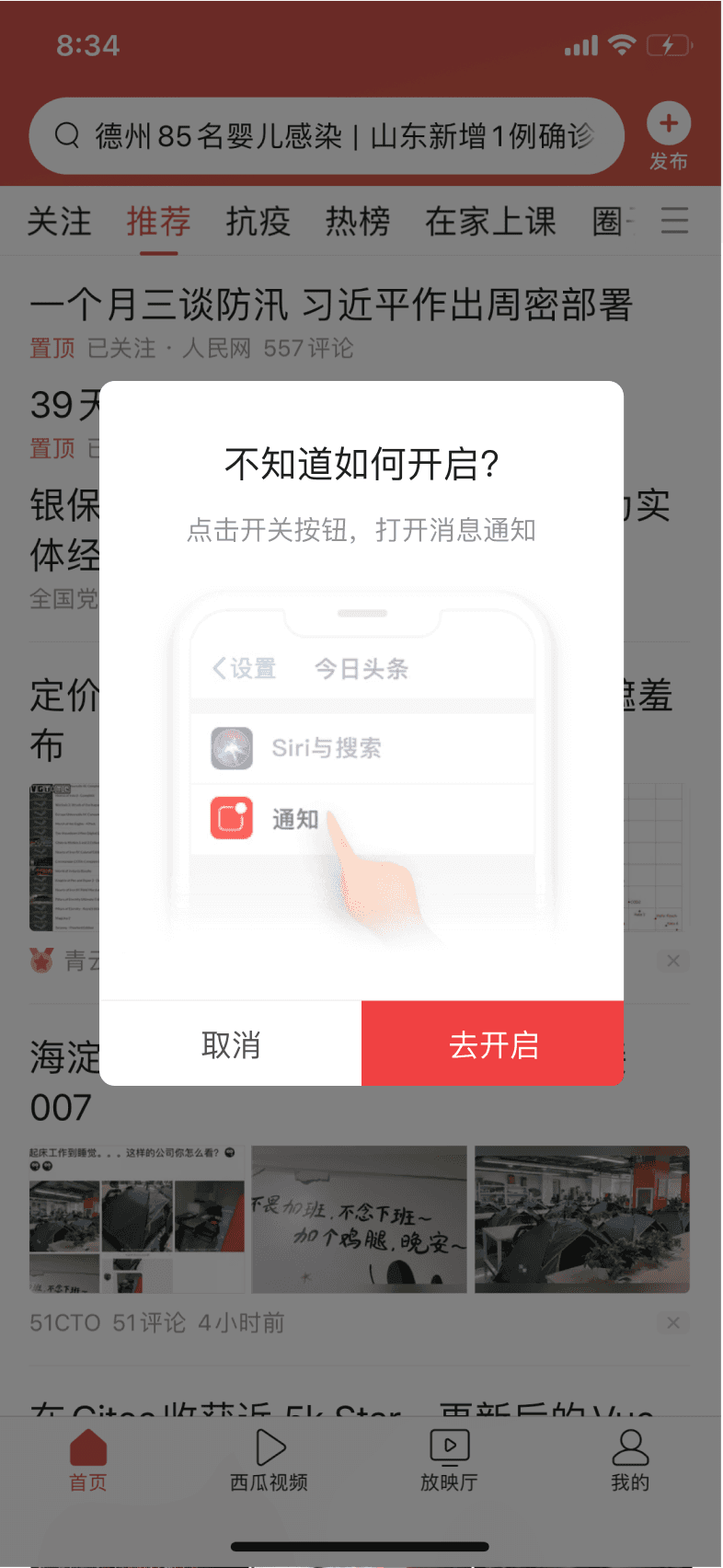
iOS push authorization rates
are generally low across the industry.
New-user scenarios suffer the most.
In new-user scenarios, iOS enforces a system-level prompt for push authorization.
The dismissal rate is too high (around 50%), resulted in a low opt-in ceiling on iOS.
In contrast, notification authorization is enabled by default on Android.
The biggest bottleneck in push authorization rate
2.2
Can silent notifications re-engage iOS users?
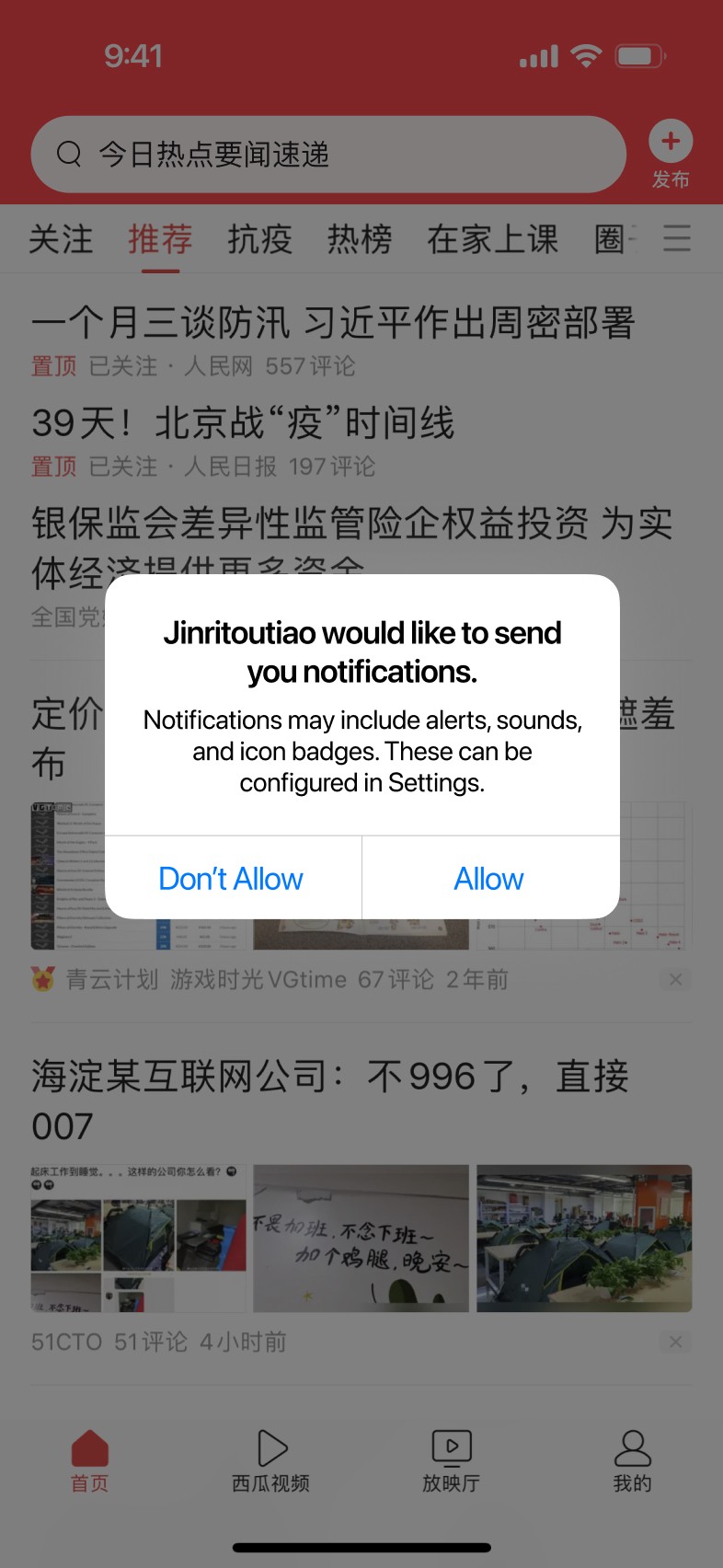
Silent notifications: No sound, no badge, no banner, only appear in Notification Center. This capability allow the app to decide when the system-level push authorization prompt is shown.
In new-user scenarios, the system forcibly display the push permission prompt, asking whether the user wants to enable notifications.
After the capability of silent notification launching
The timing of the authorization prompt can be decided by the app. Before displaying the prompt, the app have access to send silent push notifications to the user.
Before the capability of notification launching
2.2.1
In new-user scenarios,
first display the in-app permission prompt.
If user agree,
then display the system-level authorization prompt.
If user dismiss,
the app remain the access to send user silent notification.
Clearly explain the notification type and highlight the benefits of enabling it.
Insert the in-app prompt
before the system-level authorization prompt
Authorization rate among new users dropped significantly. The silent push failed to activate user attention, and follow-up attempts to recover conversion were limited in effect. To avoid hurting new user retention, we quickly took it offline.
In theory, the app-style prompt should have performed better:
It emphasized the benefits of enabling notifications and clearly explained what users would receive. However, the results were far from expectations. We hypothesize two possible reasons:
1.In new user scenarios, users often develop a habit of tapping through multiple system-style prompts in a row. The custom app-style prompt may have disrupted this expected interaction flow.
2.New users may trust system prompts more than custom in-app prompts.
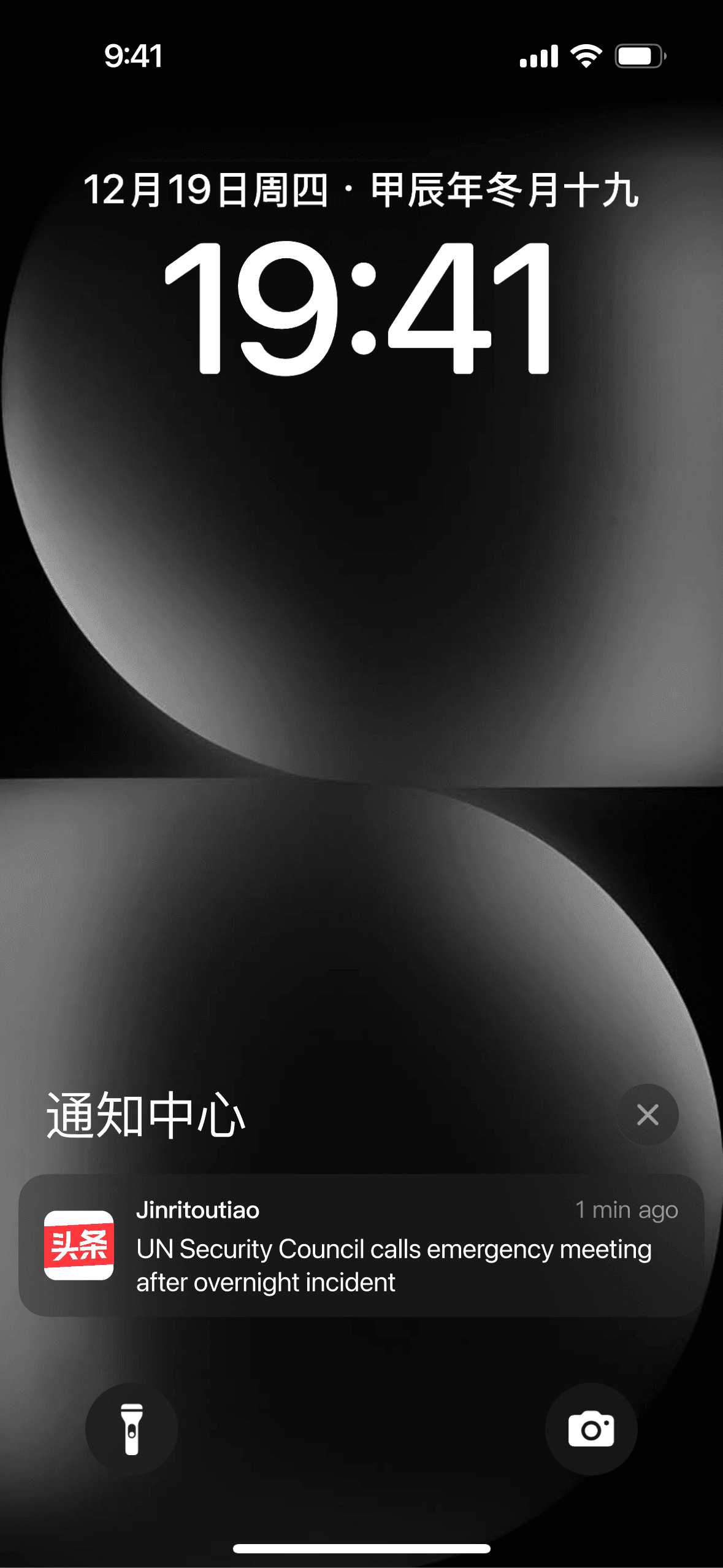
But the result fell short of expectations
Postmortem: Why did switching to the App-style prompt result in a lower click-through rate?
Validate assumption
Do existing users also trust system-style prompts more?
Control Group
In-App Style Prompt
Experiment Group
System-Like Style Prompt
Existing users were already familiar with the app-style prompt, which led to higher initial click-through rates. However, the system-style prompt delivered much better post-navigation open rates. We believe this is because it matched user expectations when navigating to system settings, resulting in better overall performance.
System-like style prompt significantly improved post-navigation open rate
Raised the ceiling for authorization rate, leading to a higher overall gain
2.2.2
Run experiments and roll out across Android OS,
Add illustrated variants in line with their OS design guidelines.
iOS
xiaomi
huawei
Vivo
Oppo
Align with user expectations around navigation, reinforce the benefits of enabling notifications, and clearly mocking push scenario.
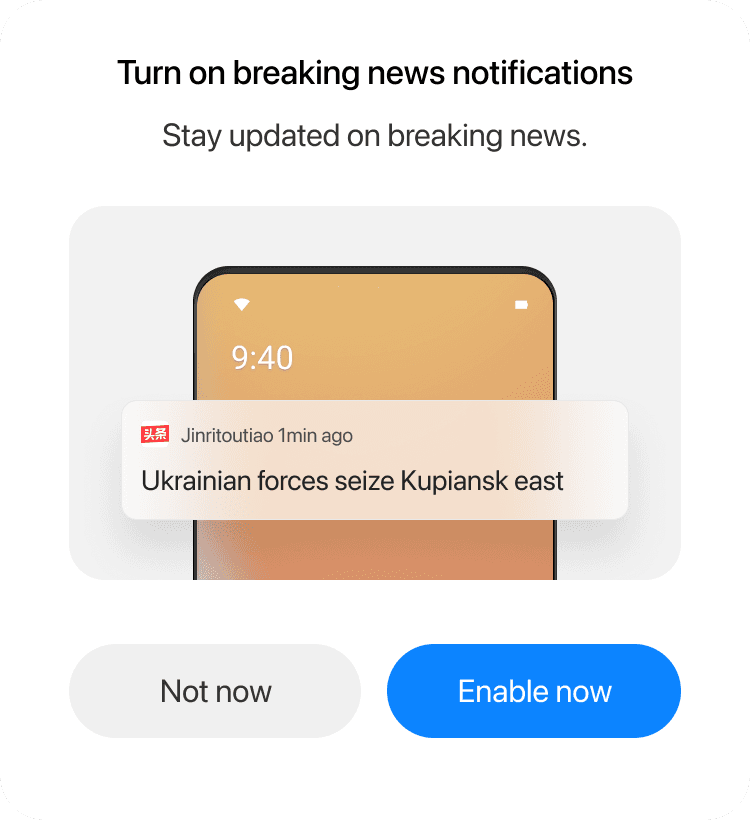
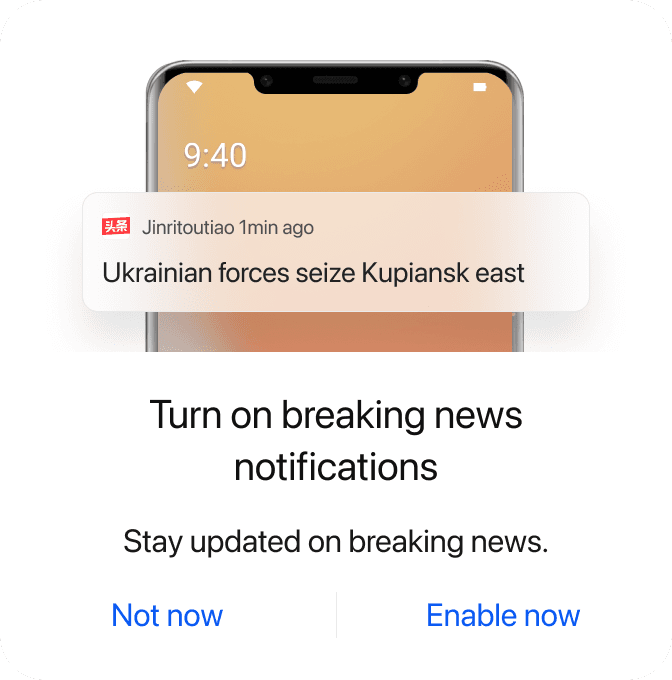
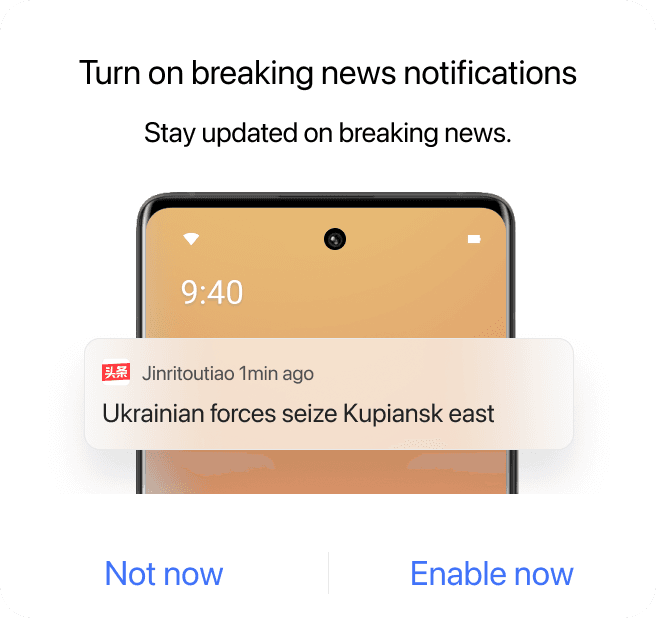
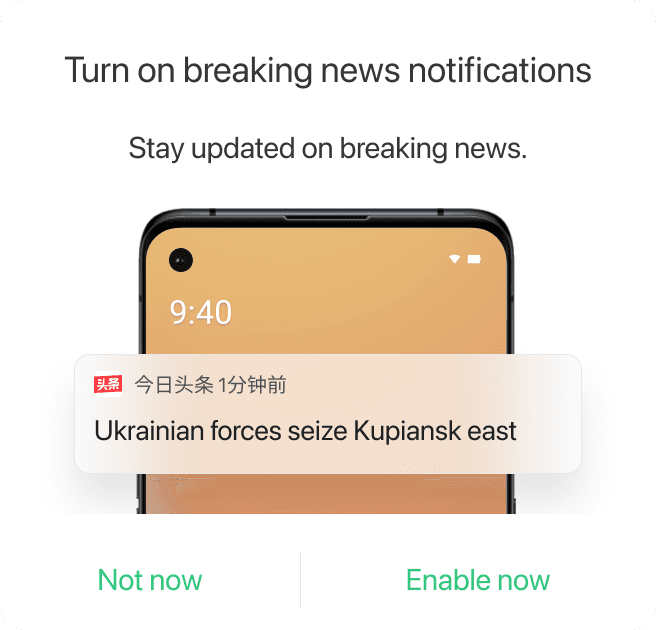
Also, we updates our prompt design guideline
For actions that can be completed within the current prompt, use a app-style prompt.
For actions that require navigation to system settings, use a system-like style prompt.
Retain users who have disabled authorization
When users turned off in-app push notifications, we used a prompt to survey their reasons. The most common reason was receiving too many pushes, primarily among iOS users. Other reasons were evenly distributed. After categorizing and analyzing these users, we identified meaningful segments with potential to win back.
2.4
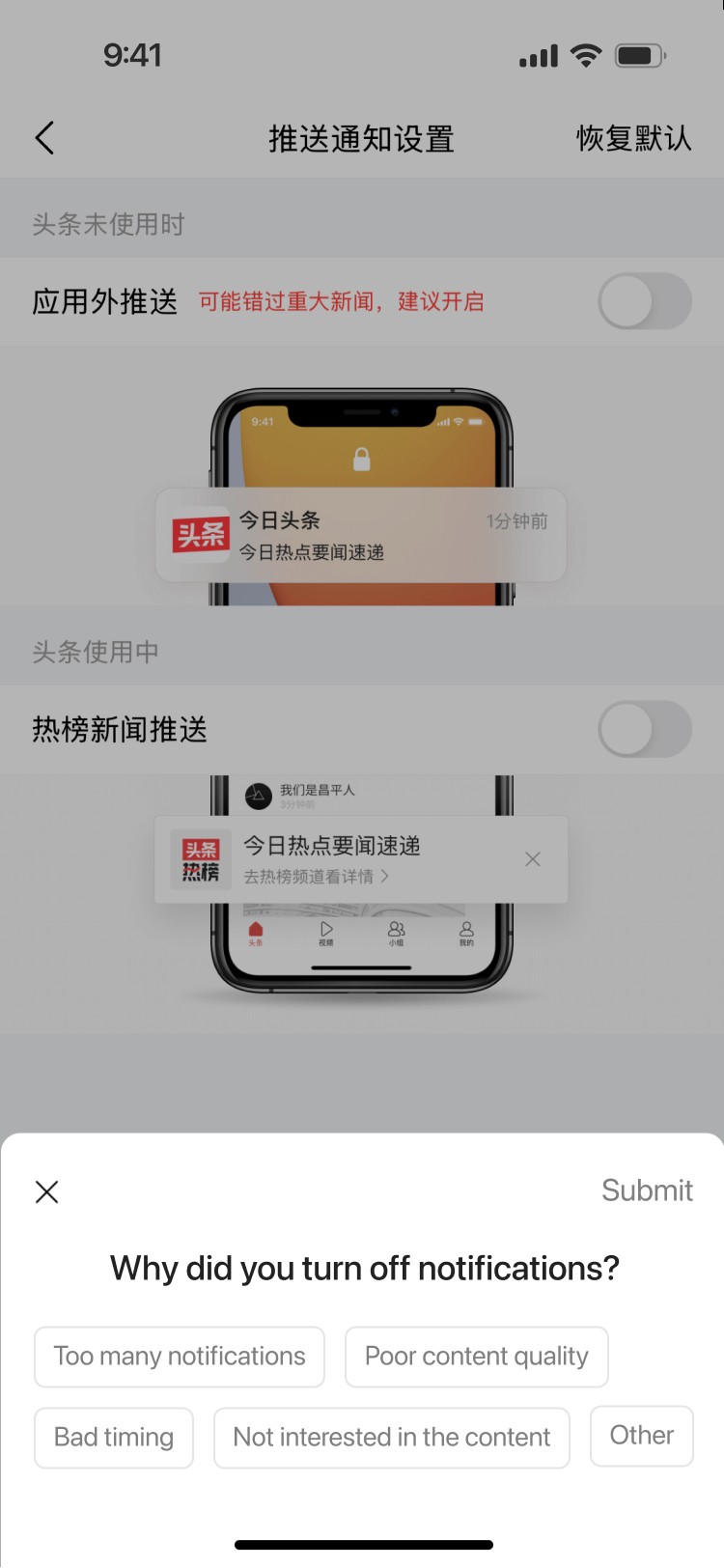
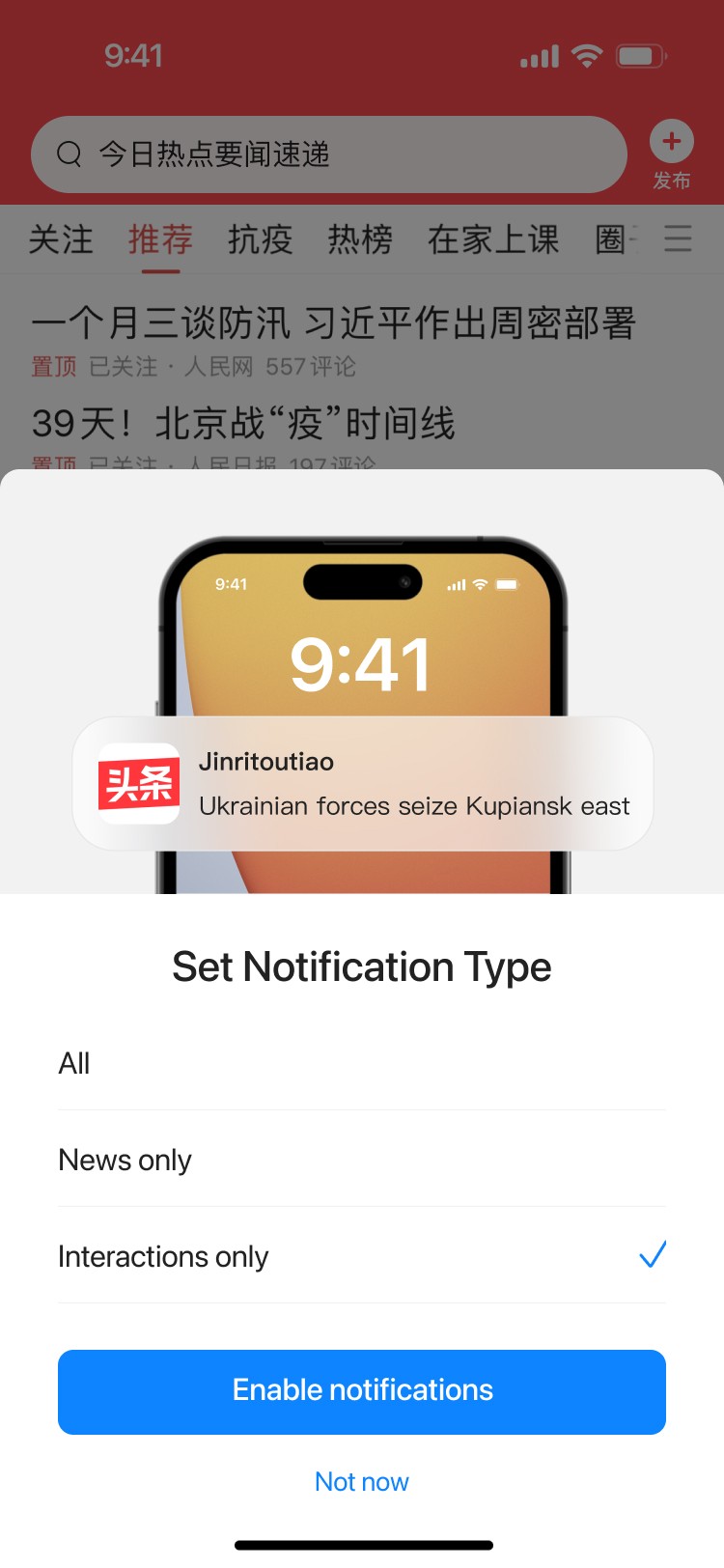
For users who had previously enabled push but later turned it off, we displayed push frequency-based prompts during cold launch scenarios. Later, we added category-based prompts as well. These strategies helped re-engage different groups of closed users, resulting in a slight uplift in authorization rate.
Retain users through push frequency and category targeting
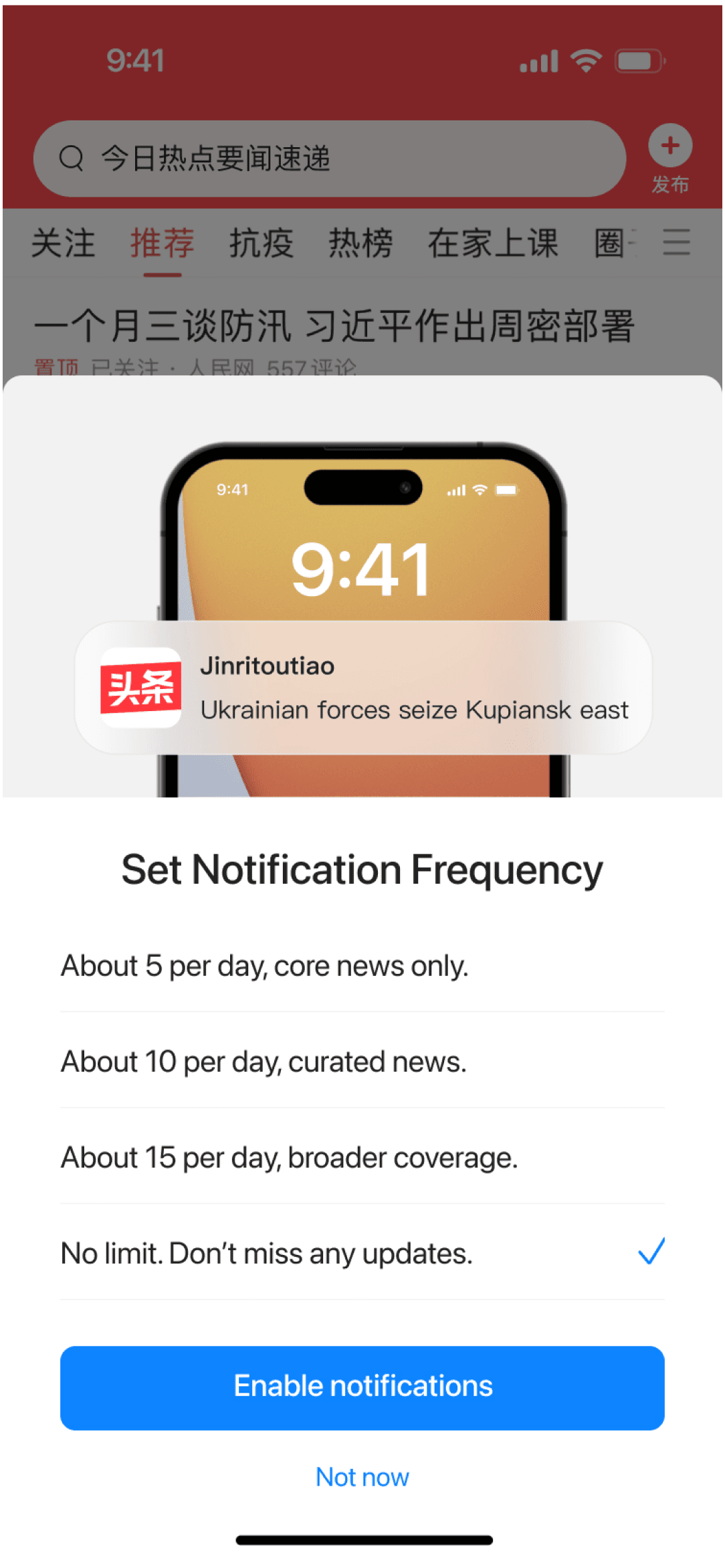
Retain users through notification frequency controls
Retain users through notification type controls
Design details and reflections
Business perspective: the prompt must be shown
Design perspective: present it in a way that better aligns with user value
Control group
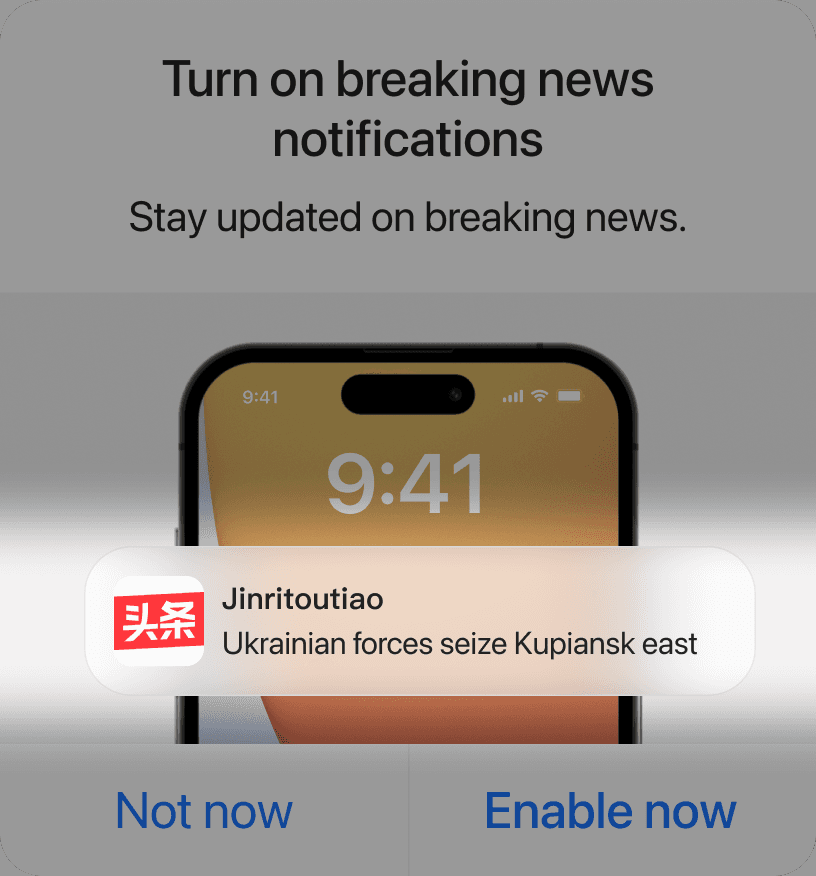
General default push copy
Experiment group
Model-selected hot headlines from the past 24 hours
CTA increased by ~20%
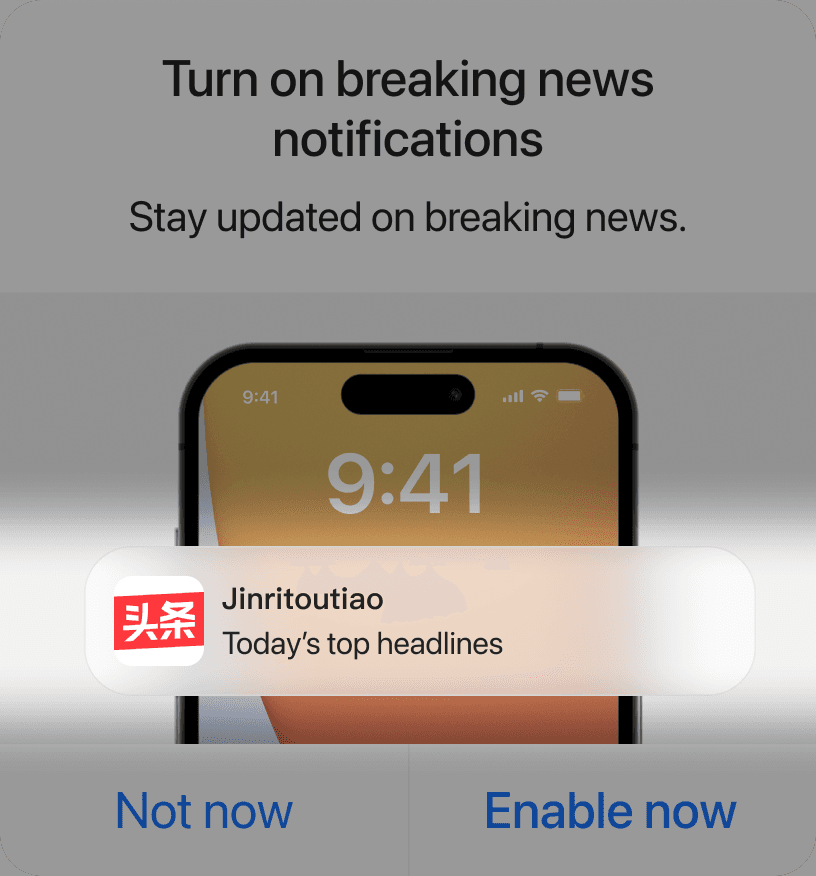
Reflections on design guidelines
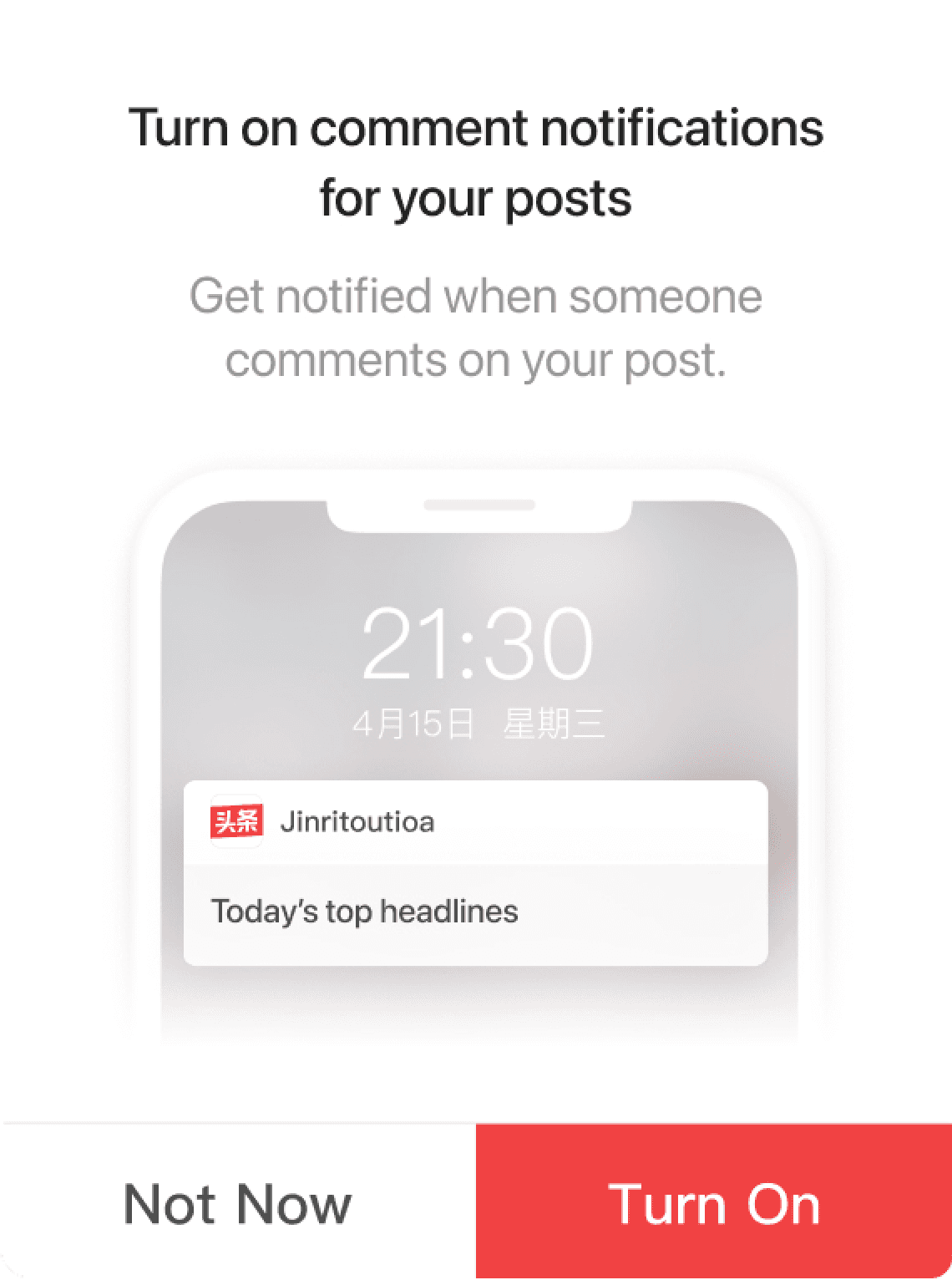
Experiment group
New design layout,
suited for action-oriented prompts.
CTA increased by ~5%
What is it
What to do
Just do it
Control group
Original design guidelines,
suited for explanatory prompts.
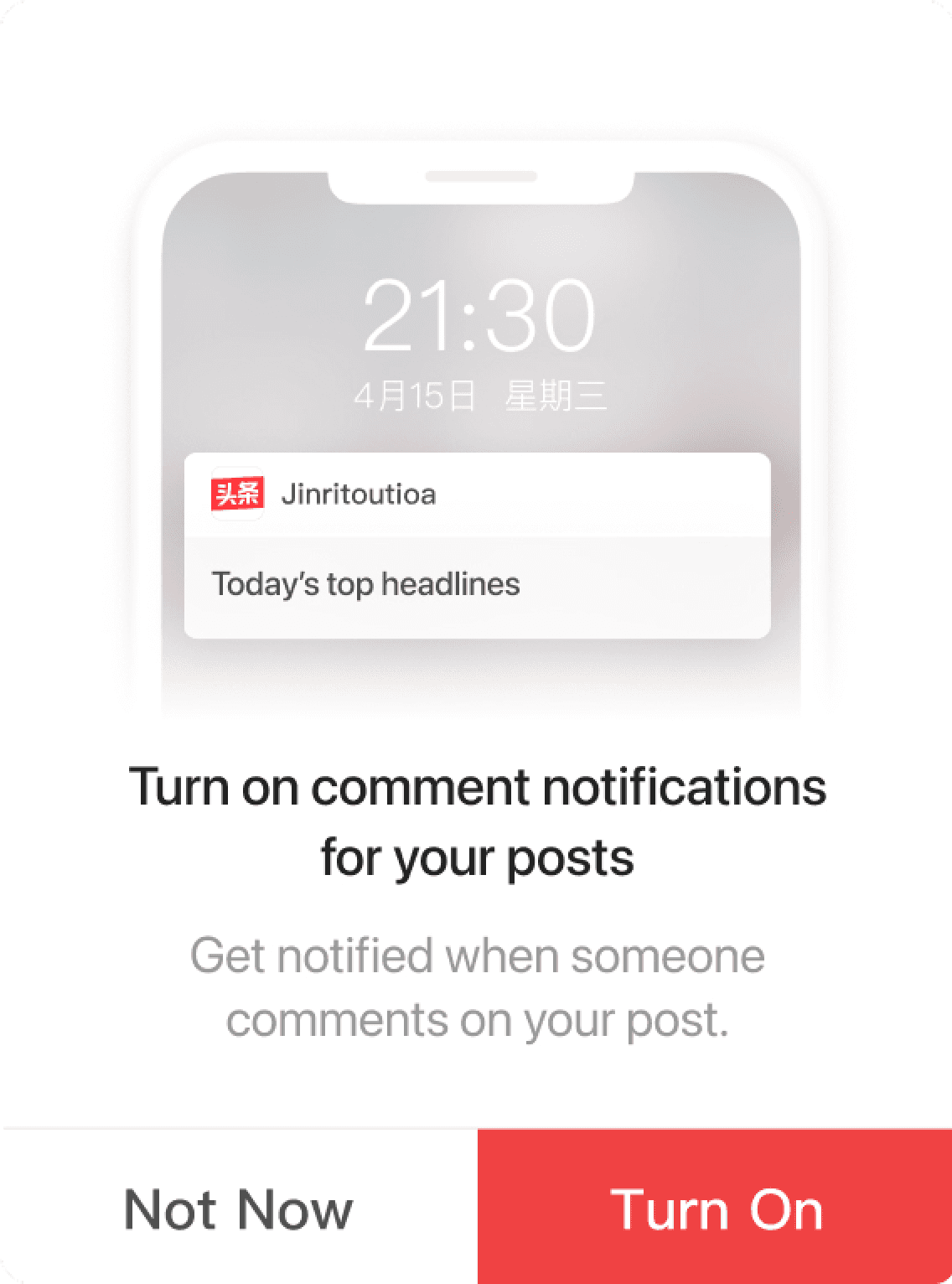
The measure of good design is user perception.
Design guidelines are tools, not the goal.
View More Projects

© Qicheng Hsu. All rights reserved.